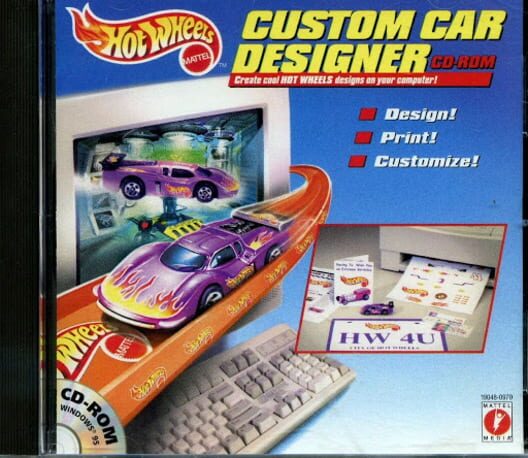
Hot Wheels: Custom Car Designer (1998)
My Save State is where you keep a diary of the games you play.
You can't play Hot Wheels: Custom Car Designer here, but you can log it, rate it, and see what other players think.
Sign up free Already a member? Sign inFrom the main access screen, you can visit the Print Shop to create a newsletter, greeting cards, business cards, letterhead, and postcards; the DMV to make licenses and license plates and issue tickets; Victory Lane for ribbons, trophies, banners, and flags; and the Customizing Garage where you customize your cars.
The customization features include choosing the colors for your car from eight available, placing decals and adding different styles of tires, muffler pipes, spoilers, and weapons. Licenses, ribbons, and trophies can be personalized including imported photos for licenses. Also, traffic tickets can be created using traditional violations or personalized to include "special violations," such as "Dad didn't take me to the movies...$20 fine." Everything you create can be saved and printed.
Hot Wheels Custom Car Designer CD-ROM sports a basic point-and-click interface and has no demanding PC requirements. Anyone familiar with MS Paint will be able to make use of the variety of creativity applications. Geared towards children, the product includes voice-recorded online help and links to the Hot Wheels Web site. No longer must you pine over your inability to tweak, tune or trick out your own car or truck; Hot Wheels Custom Car Designer CD-ROM puts all the tools at your disposal for making your souped-up fantasy car into a (virtual) reality. Read more
Details
- Developers
- Mattel Interactive
- Publishers
- Mattel Interactive
- Genres
- Point-and-click
- Themes
- Educational
Release dates
- 1998 PC (Microsoft Windows)